Facing a RAW SD Card? Here's How to Recover Data and Fix It
Please Don’t Panic! How to Recover Data from a RAW SD Card and Fix It
Have you ever plugged your SD card into your computer to be greeted with the dreaded “RAW” file system message? This can be heart-stopping, especially if the card holds precious photos, videos, or important documents. But fear not! Data loss from a RAW SD card doesn’t necessarily mean your files are gone forever.
Tejaswi Systems understands the importance of your data. We specialize in all data recovery needs, including data from RAW SD cards. In this blog post, we’ll guide you through recovering your lost files and potentially fixing the RAW SD card itself.
What is a RAW SD Card?
An SD card, or Secure Digital card, is a common type of removable storage used in cameras, smartphones, drones, and many other devices. It functions like a tiny hard drive, storing data using a specific file system. This file system acts like an index, allowing your device to recognize and organize your files.
A RAW SD card, however, has lost or corrupted its file system. This can happen for various reasons, including:
– Sudden removal of the SD card from the device while it’s in use
– Physical damage to the card
– Virus infection
– File system corruption due to software errors
When your SD card becomes RAW, your computer can’t recognize it and won’t allow you to access your files.
Can You Recover Data from a RAW SD Card?
The good news is that data recovery from a RAW SD card is often possible. However, the success rate depends on the severity of the damage. The key is to act quickly and avoid further use of the card. Writing new data to the SD card can overwrite your lost files, making recovery significantly more complicated or even impossible.
How to Recover Data from a RAW SD Card:
Here’s a step-by-step guide on how to recover data from a RAW SD card:
1. Stop Using the SD Card Immediately:
The more you use the RAW SD card, the higher the chance of permanent data loss. Please don’t attempt to format the card or try to access files on it.
2. Connect the SD Card to Your Computer:
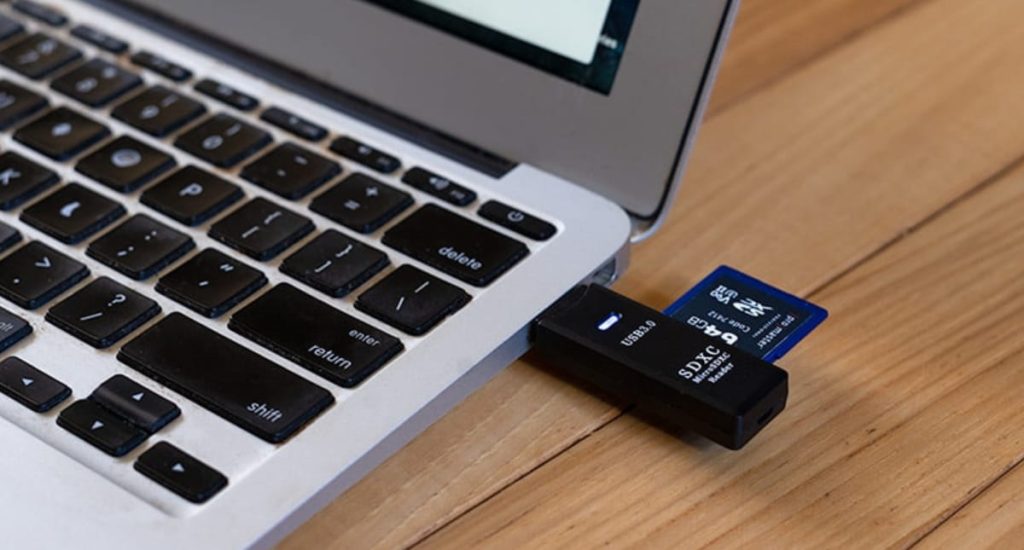
Use a card reader to connect the RAW SD card to your computer. Make sure your system correctly recognizes the card reader.
3. Data Recovery Software:
There are several data recovery software programs available. Some offer free trials with limited recovery options, while others require purchase. At Tejaswi Systems, we recommend using professional-grade data recovery software for the best chance of success.
4. Scan the SD Card:
Once you’ve chosen your data recovery software, run a scan on the RAW SD card. This scan can take some time, depending on the size and capacity of the card.
5. Preview and Recover Files:
Most data recovery software lets you preview the recoverable files before committing to a full recovery. This enables you to prioritize which files are most important.
6. Recover the Data:
Following the software’s instructions, select the files you want to recover and choose a safe location on your computer to save them. Necessary: Do not return the recovered files to the RAW SD card.
Important Note: If you’re uncomfortable attempting these methods or the RAW SD card seems physically damaged, seeking professional data recovery services is strongly recommended.
Don’t wait any longer! If your SD card has turned RAW, contact Tejaswi Systems today for a free consultation. We’ll assess your situation and recommend the best course of action to get your data back safely and securely.
With Tejaswi Systems, there’s no need to stress about lost data. We’re here to help you get back to what matters most – creating, capturing, and storing your memories and important files.